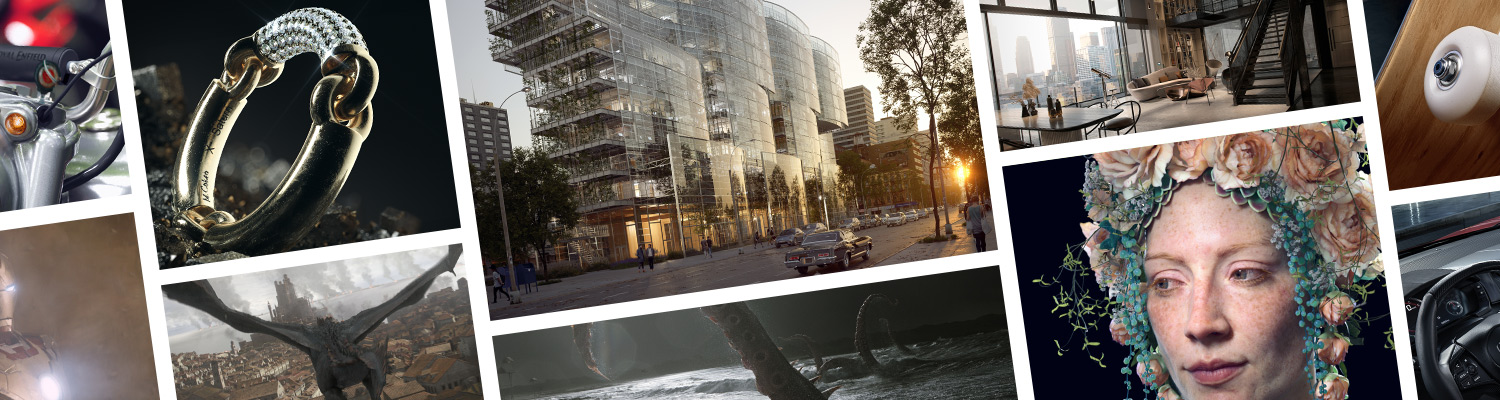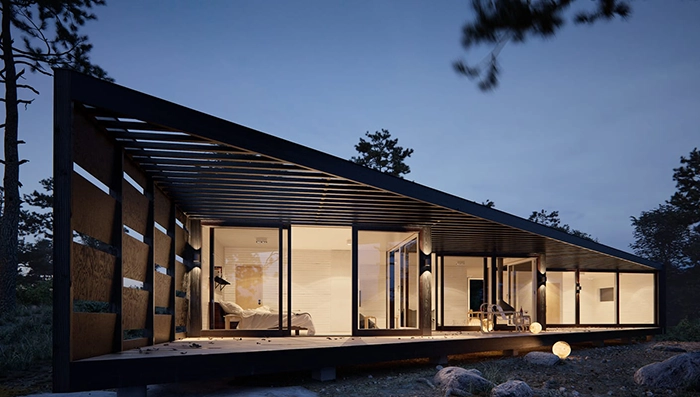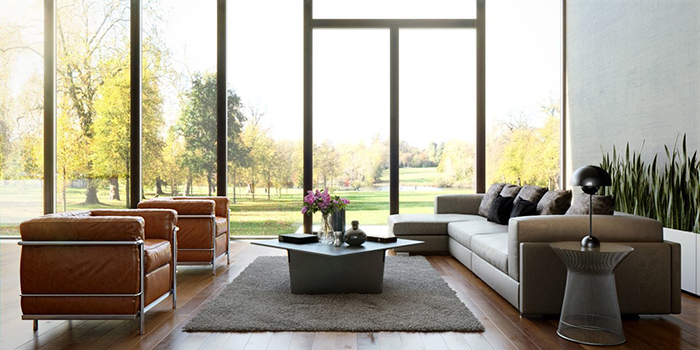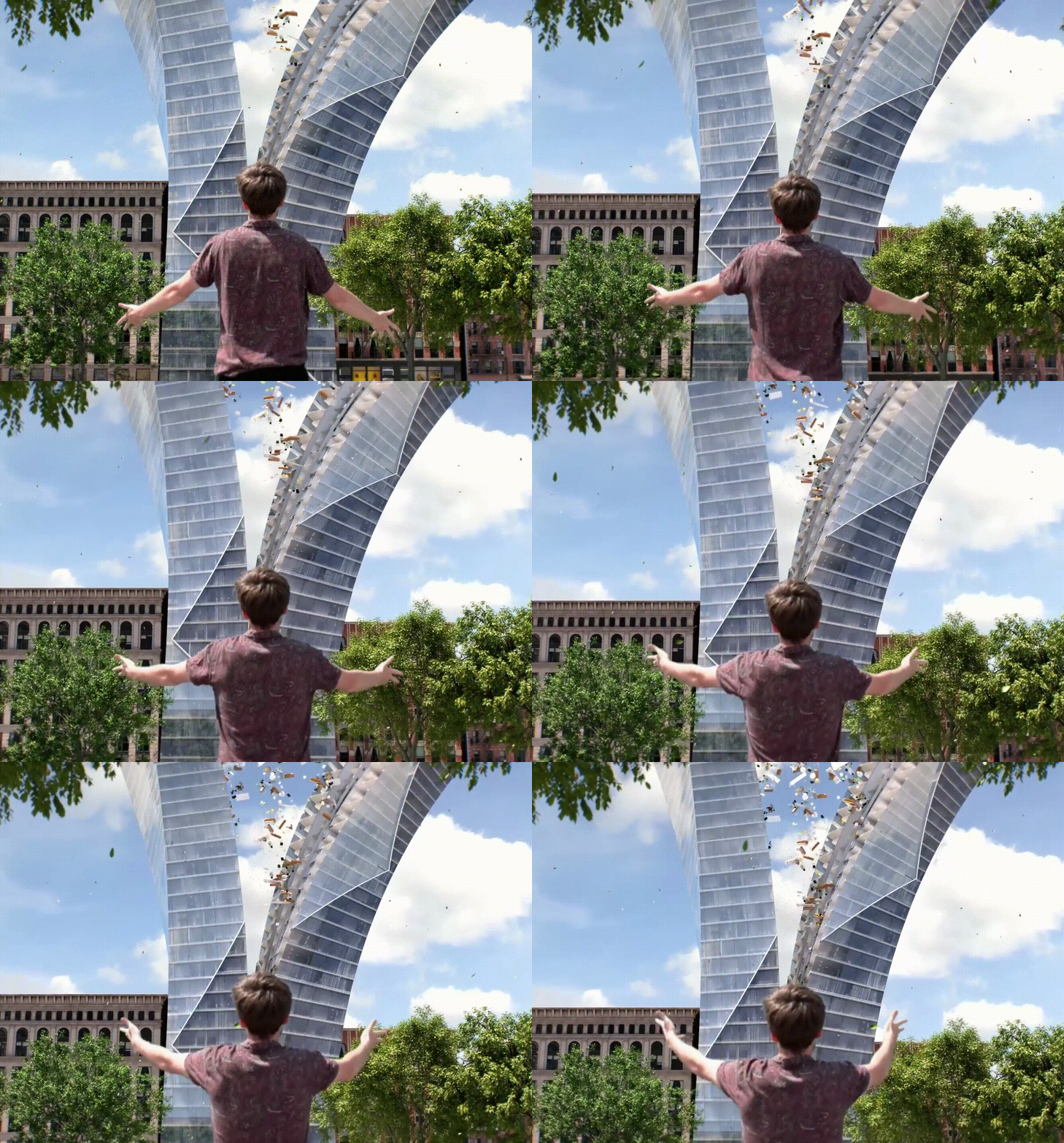
V-Ray for SketchUp is a 3D rendering software that combines real-time and photoreal rendering — all in SketchUp. From beginner to pro, V-Ray has all the tools you need to visualize your SketchUp projects from start to finish.

V-Ray comes with two powerful rendering engines. You can choose between super fast GPU and CPU or Hybrid rendering to best suit your project needs and requirements.

Remove noise and dramatically cut the render times. With V-Ray Denoiser, you can denoise each render element in post-production. And with the NVIDIA AI Denoiser, V-Ray delivers instant feedback with less noise, while you design interactively.

V-Ray comes with two powerful rendering engines. You can choose between super fast GPU and CPU or Hybrid rendering to best suit your project needs and requirements.

V-Ray comes with two powerful rendering engines. You can choose between super fast GPU and CPU or Hybrid rendering to best suit your project needs and requirements.

Powerful and scalable distributed rendering system that’s simple and fast. Get an extra speed boost with V-Ray Render nodes.

Rendering on the Cloud is just one click away.

Automatically analyzes your scene to optimize rendering so you get the best quality in less time.

This is an overlay on top of SketchUp’s viewport. It is rendered interactively and if scene changes are made, updates the rendered result.

Аutomatically generates and stores object- or material-based masks. It’s perfect when you need to accurately select objects in post-production.

Create, edit and manage all of your assets including lights, materials, textures, geometry and render elements all in one place. All assets are structured in an intuitive folder structure.

Manage all of your scene files in one place. Set file paths, create scene archives, and keep track of assets like textures, IES files, and proxy objects.

Get direct access to any level of the SketchUp hierarchy, so you can interactively adjust materials and light properties whenever an object is selected.

New color picker that’s simple and powerful. Select color values in Screen sRGB (0-255) or Rendering (0.0-1.0) color space.

Track render history and fine-tune color, exposure, and more, directly in V-Ray’s frame buffer.

Preview your materials, lights, textures and render elements in a single viewer. Observe how parameter changes affect the appearance of the asset in a specific isolated setting.

Select multiple scene or library assets as well as multiple toolbar filters to speed up your workflow.

Map multiple material parameters with the same source texture to simplify the shader structure and management.

For scenes with lots of lights, the new Adaptive Lights mode can help you speed up render times by up to 7x.

Render photorealistic rooms and interiors with powerful and fast global illumination.

Render any type of natural or artificial lighting with a wide range of built-in light types.

Simulate realistic daylight for any time and any location. SketchUp sun animation is supported.

Emit light from any scene object to simulate real world custom light shapes.

Render faster, cleaner and more accurate image-based lighting that’s up to 7x faster. The new Adaptive Dome Light also removes the need to set up Portal lights for interiors.

The new Lighting Analysis render element makes it easy to visualize the real-world illumination (Lux) values of any scene.

Work like a photographer, with controls for exposure, white balance, depth of field and more.

Render VR-ready content for popular virtual reality headsets with the help of the VR Camera types in Stereo mode.

Instantly add GPU-accelerated glare and bloom for added photorealism. Fine-tune lens effects interactively while you render.

Capture the perfect exposure every time. The new Auto Exposure and Auto White Balance camera controls make rendering as simple as point and shoot.

Create great looking materials or select from 500+ readily available ones in the asset library.

Get an accurate preview of your V-Ray materials in the SketchUp viewport.

Create realistic and unique shaders using any texture map or one of V-Ray’s many built-in procedural textures – Gradient, Temperature, Tri-Planar, etc.

1000+ scanned materials. Import and render directly in V-Ray.

Quickly add realistic atmospheric depth and haze and use true 3D fog with realistic light scattering.

Simulate natural looking skies with realistic atmospheric depth.

Realistic material light scattering and translucency.

Import any .vrscene file directly as a SketchUp model with correctly sized and positioned objects, proper texture placement, lights and proxy references.

Import and render V-Ray scenes (.vrscene) as references from other applications such as 3ds Max, Rhino, and Revit.

Bring more detail to your project with memory-efficient proxy models of complex objects like grass, trees, cars and more or use animated proxy objects for walking people or trees blowing in the wind.

Quickly add surface detail without extra modeling with the optimized V-Ray displacement. The 2d Displacement mode is perfect for architectural materials like brick and stone.

Create realistic grass, fabrics, and carpet with V-Ray Fur.

Easily create quick cutaways and section renders with V-Ray Clipper. Convert any scene object to a clipper.
|
|
|
Total Price: |
A$588.50 (inc. GST)A$1034 (inc. GST)A$165 (inc. GST)A$165 (inc. GST) |
|
$588.50 / year $1,034.00 $165.00 $165.00 |
|
NOTE: Orders are processed within 1 business day excluding public holidays. We are not able to rush student license orders.
You will receive an email with instructions from our licensing team within 1 business day of placing your order.

© 2021 BuildingPoint | Privacy Policy | Terms & Conditions | All rights reserved | Website by Excite Media